
How it works
Make
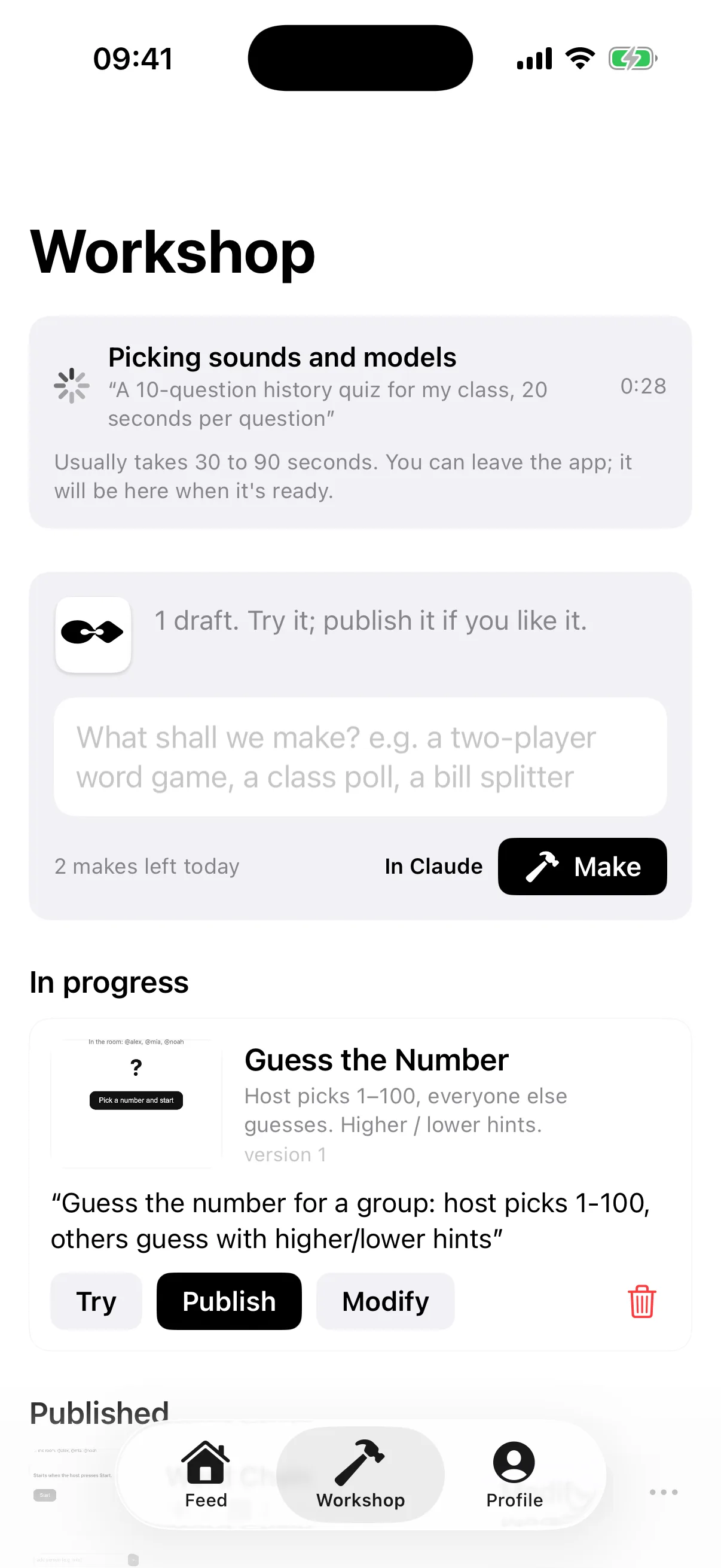
Write one sentence in Workshop and tap Make. Ajantik sends your request to Claude. Claude chooses materials and writes the work. Ajantik opens it at phone size, taps its buttons and asks Claude to fix errors or a blank screen. The draft appears in Workshop when ready, even if you leave the app.
Try and publish
Open the draft alone with Try. With Publish, choose who sees it (friends or everyone), how many people can join and a category. Your original request stays private unless you choose to show it.
Room
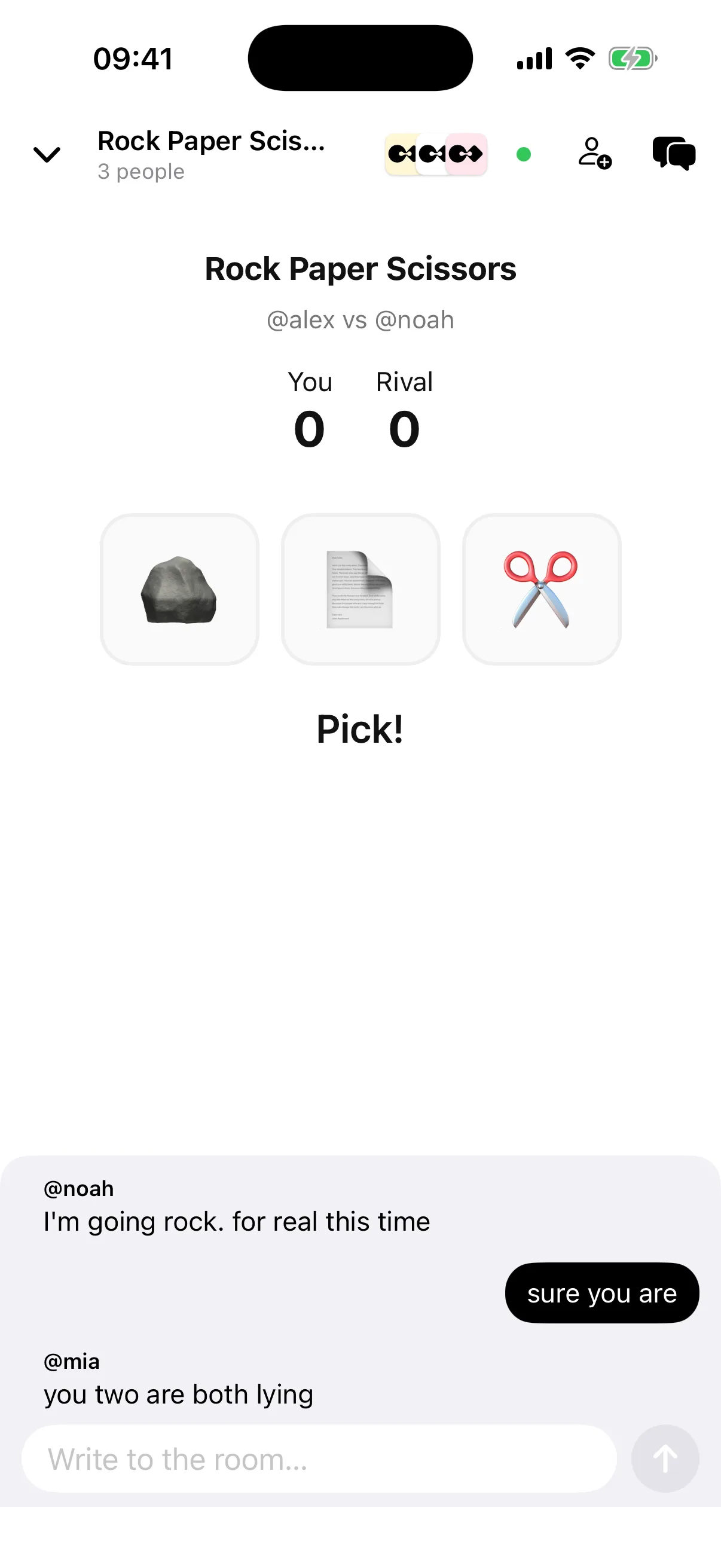
When a friend opens the work, they create a room and invite you. The game is above, chat below. Turns, scores and outcomes stay in sync for everyone.
Edit and remix
On your own work, choose Edit and ask for a change like “make it for four with a 30-second timer.” The new version replaces the old one. Remixing another person’s work creates a new work under your name.
With Claude
In Ajantik: Profile › Settings › Claude connection. In Claude: Settings › Connectors › Add custom connector. Name it “Ajantik” and use https://api.ajantik.ai/ag/mcp. Enter the six-digit code from the app on the sign-in page. Then ask Claude to “make ... for Ajantik.”
Work rules
- A work is a small web project: index.html and, if needed, other files, up to 10 MB total.
- It cannot reach the internet. It can use its own files, Ajantik libraries (three.js, Phaser, Matter, Tone.js, Chart.js) and the materials library.
- The room bridge is window.ajantik: shared state, members, chat line and game ending.
- The cover is a real screenshot captured during testing.